


Code editor
Find your way around any project.
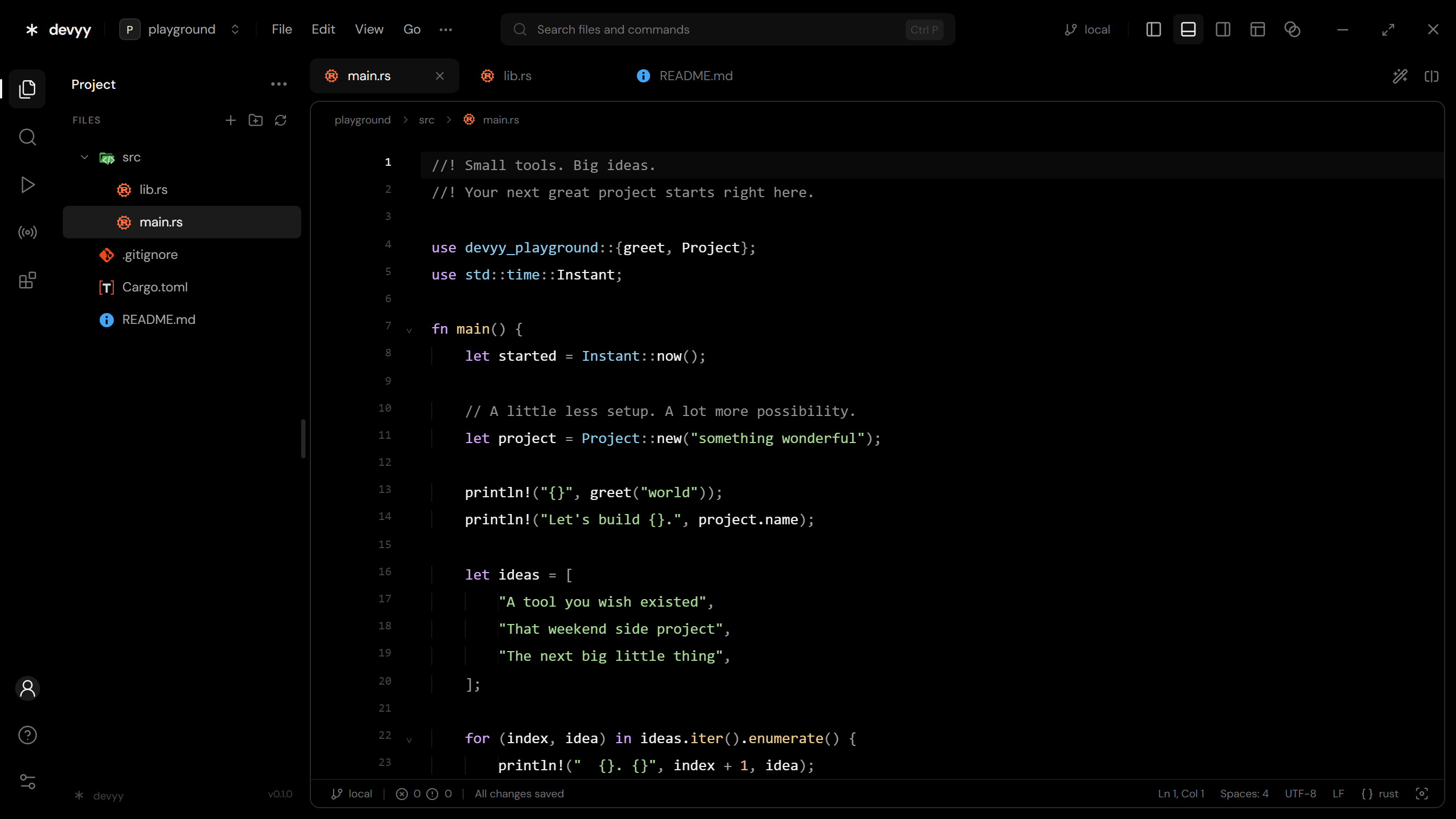
Browse your project tree, jump between files, and read code with syntax highlighting that follows your theme.
Read the editor guide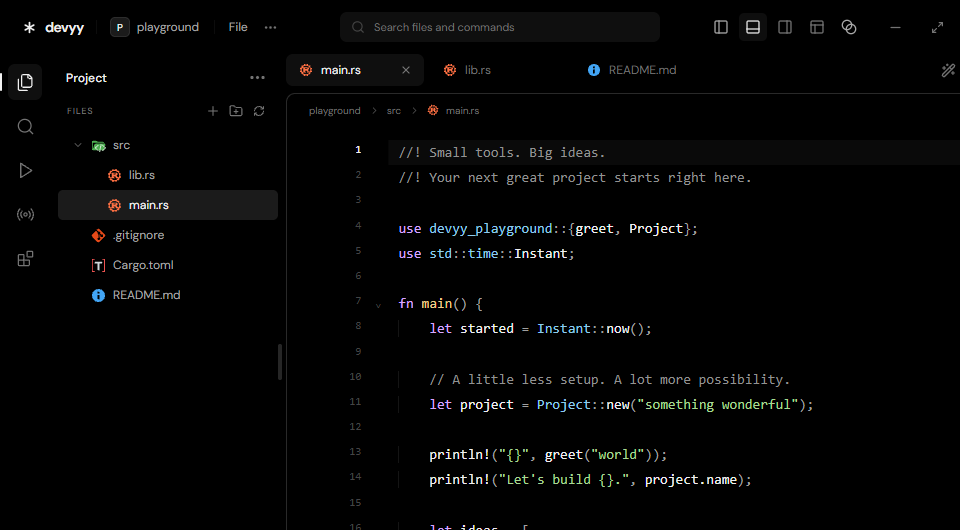
 devyy
A native editor with a built-in coding agent, extension support, and remote workspaces. Everything you need stays within reach.
Code editor
Browse your project tree, jump between files, and read code with syntax highlighting that follows your theme.
Read the editor guideCoding agent
Ask a question about your code, review a change, or hand off a task from the sidebar. Choose what the agent can access before you send it.
Read the agent guide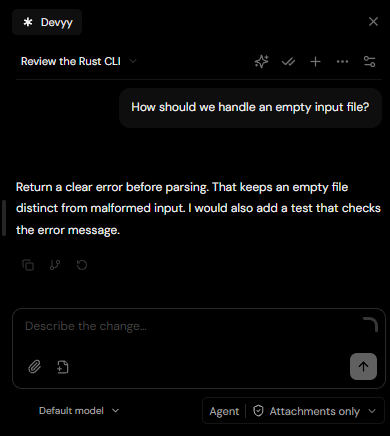
Remote workspaces
Connect to a server over SSH from Devyy. Open the project on the server and forward a port when you need to preview what’s running there.
Read the SSH guide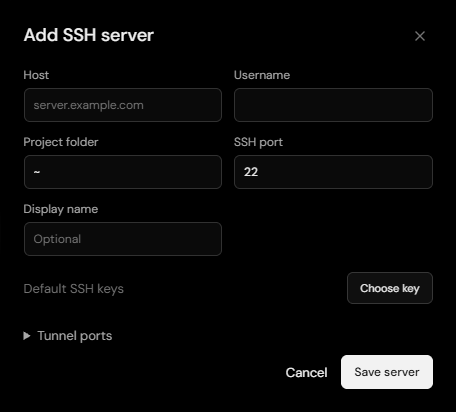
Compare Windows desktop measurements, then see how each editor handles AI, remote work, and extensions.
| Metric or feature | Devyy | VS Code |
|---|---|---|
| Total installed size | 54.9 MB | 1,103 MB |
| Startup to visible window | 72 ms | 444 ms |
| Private memory after 5 seconds | 358 MB | 1,297 MB |
| Desktop workspace | Rust and Tauri desktop app with adjustable transparency and independently resizable panels. | Electron desktop app with a customizable workbench and a browser edition. |
| AI providers | A built-in agent panel for ChatGPT, Claude, and custom API or CLI providers. | Integrated chat and agent workflows with GitHub Copilot, plus additional tools through extensions. |
| Agent permissions | Choose attachments only, read-only access, or full access for each workspace session. | Tool approvals, workspace trust, and agent permission levels control what agents can do. |
| Remote development | Embedded SSH client for remote files, terminal sessions, Git, and port forwarding. | Microsoft’s Remote – SSH extension connects through a local SSH client and installs VS Code Server on the host. |
| Extensions | Open VSX and local VSIX installs for supported extensions, plus themes, grammars, and snippets. | Visual Studio Marketplace and the full VS Code extension API. |
| Switching editors | Preview compatible VS Code settings and shortcuts before importing them. | Sync settings, shortcuts, and extensions across VS Code installations. |
Measured on Windows 11 25H2 with an Intel Core i5-10400F, using Devyy 0.1.0 and VS Code 1.144.0. Startup and memory are medians from four paired warm launches without a project open. Startup stops at the first visible editor window. Memory is the app process tree’s private bytes, sampled five seconds later. Installed size includes the active version and uninstaller, with user data, older versions, and shared system runtimes excluded. MB uses decimal units.
Learn more in the VS Code documentation.
Download Devyy for Windows, macOS, or Linux and open your next project.